One small appliance replaces a fleet of printers
The PrintSent device is a pre-configured network appliance that emulates the fully compliant printers Dealertrack expects, quietly doing the work it would otherwise take a room full of commercial units to do. Here's what it is, and what it spares you.
The printer type Dealertrack expects
The PrintSent device is a small network appliance that lives on your Dealertrack VPN-connected network and emulates one or more fully compliant network printers, the printer type Dealertrack is built to work with. Dealertrack recognizes it immediately, with no drivers and no workstation software.
It arrives pre-configured. You connect a single ethernet cable and power, add its IP in your account, point a printer in Dealertrack at that IP, and run Send Logos. From there, every print job is captured and delivered as a branded PDF.
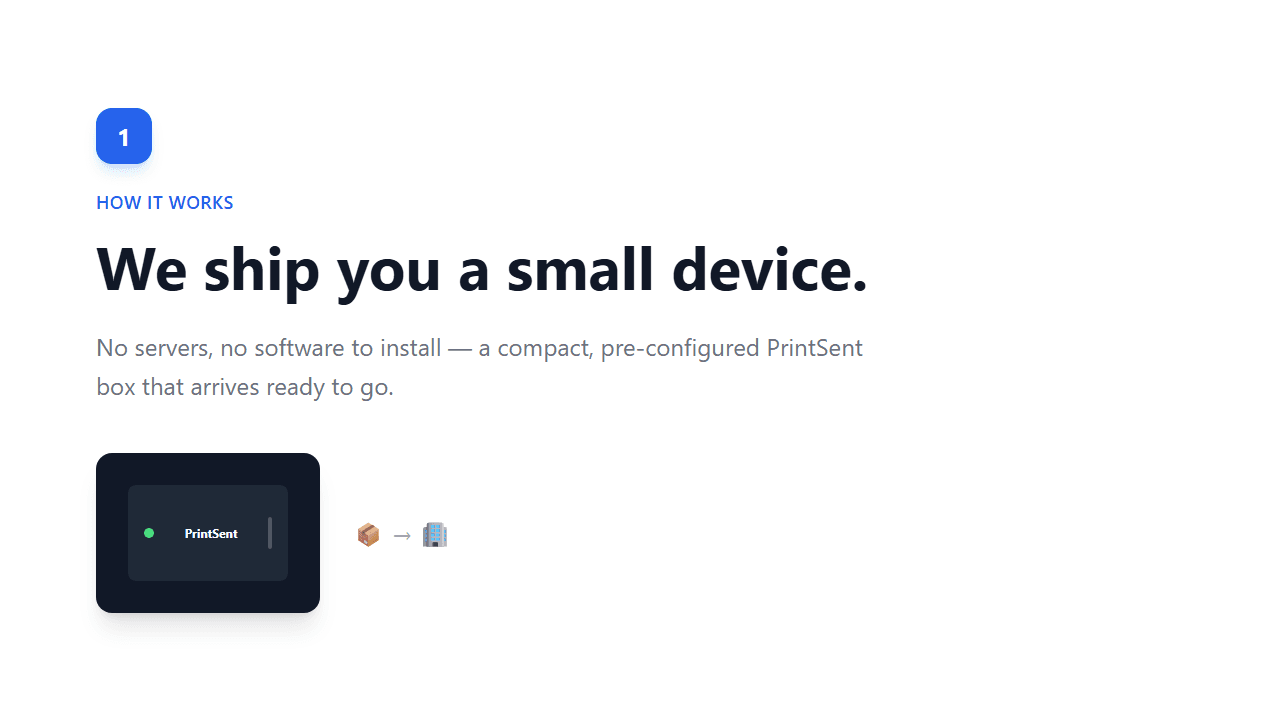
Built to disappear into your network
No noise, no consumables, no maintenance window. Just a quiet box doing the printing your dealership used to dedicate hardware to.
Compact footprint
A small network appliance that tucks into a server closet, onto an IT shelf, or anywhere convenient. It doesn't need a desk or a dedicated rack.
One ethernet, one power cable
The only connections it needs. Plug it into your Dealertrack VPN-connected network, give it power, and it's ready to configure.
Multiple printers from one unit
The device supports multiple IP addresses, so a single unit can emulate several fully compliant printers at once, one per department if you want.
Low power draw
It runs quietly in the background on minimal power, unlike the commercial printers it replaces. Leave it on and forget it's there.
Pre-configured on arrival
It ships ready to go. Add its IP in your account, create a printer in Dealertrack, run Send Logos, and you're delivering PDFs in under 30 minutes.
No consumables, ever
No toner, no paper, no drums, no maintenance kits. There's nothing to run out and nothing to reorder.
Forwards to other printers
Beyond email, you can enable a Forward to Printer action so the device passes a job on to another printer's IP. Email a PDF and still print paper, fan out to several printers, or route everything through PrintSent to track usage. Off unless you configure it.
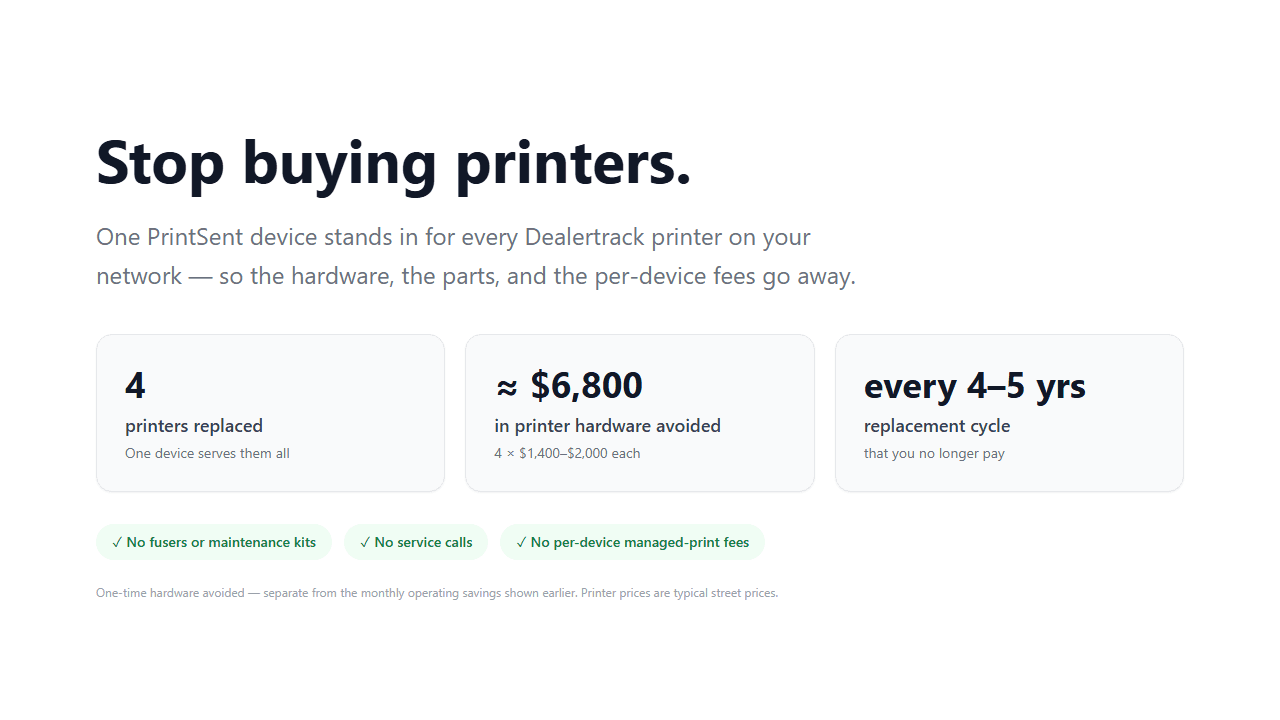
We ship and configure the device for you, so there's no hardware to spec or source. See the full setup walkthrough.
A locked-down appliance, not another server
A hardened, single-function appliance that listens for print jobs on the IPs you assign it. Nothing to patch, nothing to join to your domain, and nothing to open at your firewall.
It only listens for print jobs
The device accepts print traffic on the IP addresses you assign it, plus the printer identity page Dealertrack's setup requires. No file shares, no remote desktop, no general-purpose services.
It never scans your network
The device doesn't sweep for hosts, enumerate devices, or probe anything it wasn't explicitly pointed at. It sits still and waits to be printed to.
Outbound-only, no firewall rules
The device opens its own encrypted connection out to PrintSent. Nothing inbound from the internet is required, so you don't forward ports or expose anything to the internet.
It queues, it doesn't archive
Jobs are spooled locally, uploaded, and cleared, so printing rides through a brief internet outage. There's no archive of dealership paperwork sitting in your closet.
We keep it patched
Firmware and security updates are applied by us in the background over an outbound-initiated, MFA-protected management connection. No patch cycle for your team, and no inbound rule on your firewall.
No footprint on the rest of the network
It uses the IPs you give it and almost no bandwidth. It doesn't hand out DHCP, answer DNS, or route traffic. Unplug it and nothing else on your network changes.
What it doesn't do
- No software or agents installed on workstations
- No domain join and no admin credentials required
- No access to your DMS beyond the jobs printed to it
- No inbound access from the public internet
If your IT team or MSP needs to run a vendor security review, we wrote a page for exactly that covering remote access controls, named subprocessors, and what the appliance does and doesn't touch. For how the documents themselves are protected once they leave it, see the security & compliance overview.
Ready to go paperless?
Tell us about your dealership and we will get you set up. We ship the device pre-configured, and setup takes under 30 minutes.