The parts counter, minus the print-scan-email
The parts counter prints Purchase Orders for vendors, invoices and credit invoices for customers, quotes, and schematics — and then scans and emails most of them anyway. PrintSent captures each of those print jobs as a branded PDF, so the counter can send documents in seconds without the printer.
Purchase Order
PO #7741
Printing just to send it
A wholesale customer needs an invoice reprinted, or a credit invoice for a return. A vendor needs a Purchase Order. A customer wants a quote or a parts schematic. Today that means printing the document, walking to the printer, scanning it back in, and emailing it — over and over across the parts day.
Picking Tickets and POs pile up at the counter, and QPRINT's text-only output isn't the right fit for anything a customer or vendor sees. The result is a parts counter that prints far more than it needs to.
print → walk → scan → email
What your parts counter gets
POs, invoices, credit invoices, and quotes — appear as branded PDFs in your portal the moment they leave the counter, ready to view, email, or download.
Purchase Orders straight to vendors
POs appear in your portal as branded PDFs — view, email, or download to send to suppliers — no printing, no scanning at the counter.
Reprint invoices and credit invoices in seconds
When a customer needs an invoice reprinted or a credit invoice for a return, the PDF is already in your portal to view, email, or download.
Quotes and schematics, emailed clean
Send parts quotes and schematics to customers as professional PDFs with full formatting intact, not text-only QPRINT output.
A quieter, cleaner counter
Fewer printed Picking Tickets and POs stacking up means less paper, less toner, and a tidier parts counter.
How PrintSent solves it
Dealertrack
Staff click Print exactly as they do today.
PrintSent device
Captures the full print stream and converts it to a branded PDF.
Ready in your portal
The secure PDF appears instantly in your shared web portal — view it, email it to yourself or others, or download it, all from one place.
PrintSent emulates a fully compliant printer on your Dealertrack network, so the parts counter prints the way it always has — no new software, no training.
Each print job is captured with full logos and formatting, converted to a PDF that appears instantly in your portal — view, download, or auto-route to the recipients you choose for each document type.
Route Purchase Orders to a vendor-facing inbox and invoices, credit invoices, and quotes to the parts inbox, so the right document is always in your portal to view, email, or download.
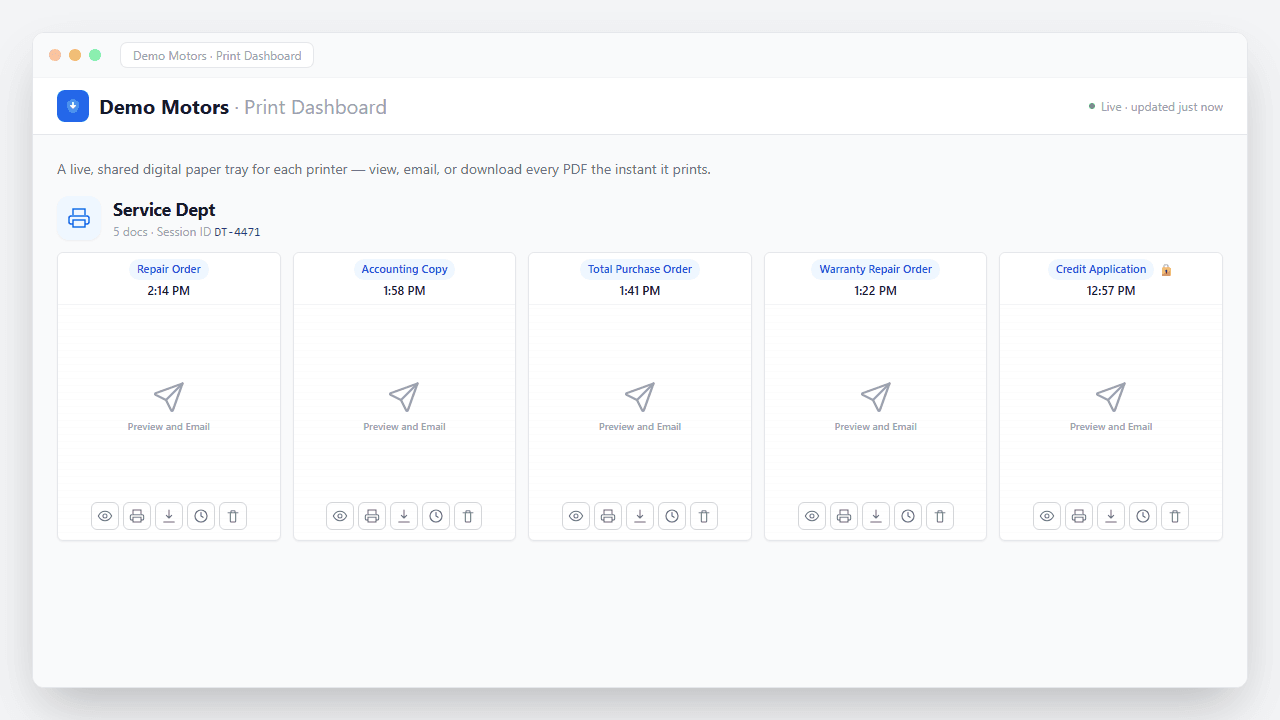
Documents captured
What happens the moment you hit Print
No upload step, no scanner, no waiting. The job is captured straight off the print stream and turned into a secure, branded PDF in seconds — waiting in your portal to view, email, or download, and routed automatically if you want.
- Captured instantly. The print job is intercepted the moment it leaves Dealertrack — nothing ever hits paper.
- Converted to a branded PDF. Layout, totals, and letterhead preserved exactly as they'd appear on the printed page.
- Encrypted end to end. Every document is secured in transit and at rest — built with FTC Safeguards in mind.
- Ready & logged. It appears in your portal instantly — view, email, or download — with a full audit trail of who did what.
“It saves me a dozen trips a day — from my desk to the printer, then to the scanner, just to email a vendor invoice. When vendors ask for copies at month-end, I just print and the PDF is right there in my portal to view, email, or download. Huge time saver!”
Parts Department questions
Service Department
PrintSent for the Service Department
Accounting & Finance
PrintSent for Accounting & Finance
IT & Technology
PrintSent for IT Directors & Dealership Technology Managers
Cost Savings
Print to Cheaper Printers with Dealertrack
Controllers
PrintSent for Controllers
Dealer Groups
PrintSent for Dealer Groups
Ready to go paperless?
Tell us about your dealership and we will get you set up. We'll show you exactly how PrintSent fits your workflow.